


Most small business websites are digital brochures. They look okay, they list your services, and then they just sit there — doing nothing.
The difference between a website that brings in leads while you sleep and one that collects digital dust isn’t luck. It’s strategy. In this post, we’ll break down exactly what makes a small business website actually work — and what most web designers (and DIY builders) get completely wrong.
1. Your Homepage Has One Job: Make Them Stay
The average visitor decides whether to stay or leave your website in under 5 seconds. That’s not enough time to read your about page, browse your portfolio, or understand your pricing.
It’s only enough time to answer one question: “Is this for me?”
That means your homepage headline needs to be ruthlessly clear.
Weak headline:
“Welcome to Our Agency — We Do Digital”
Strong headline:
“Custom Websites for Small Businesses — Built to Convert Visitors Into Paying Clients”
The second version tells visitors exactly what you do, who you do it for, and what result they can expect. That’s what makes them scroll.
2. Design Communicates Trust Before Words Do
Before a potential client reads a single word on your site, they’ve already formed an opinion about your business based entirely on how it looks.
Slow-loading pages, outdated fonts, clashing colors, and obvious stock photos all send the same subconscious message: this business isn’t serious.
Professional web design isn’t about looking expensive. It’s about looking trustworthy. Here’s what that actually means:
- Consistent colors — stick to 2–3 colors across your entire site
- Readable fonts — clean sans-serifs like Inter, Poppins, or Lato
- Breathing room — white space makes content easier to read and feels more premium
- Real images — photos of your actual work, workspace, or team beat stock photos every time
- Fast load time — aim for under 3 seconds on mobile
Small businesses often underestimate how much design affects conversions. A redesign alone — without changing a single word of copy — can double your inquiry rate.
3. SEO: How Clients Find You Without You Paying a Cent
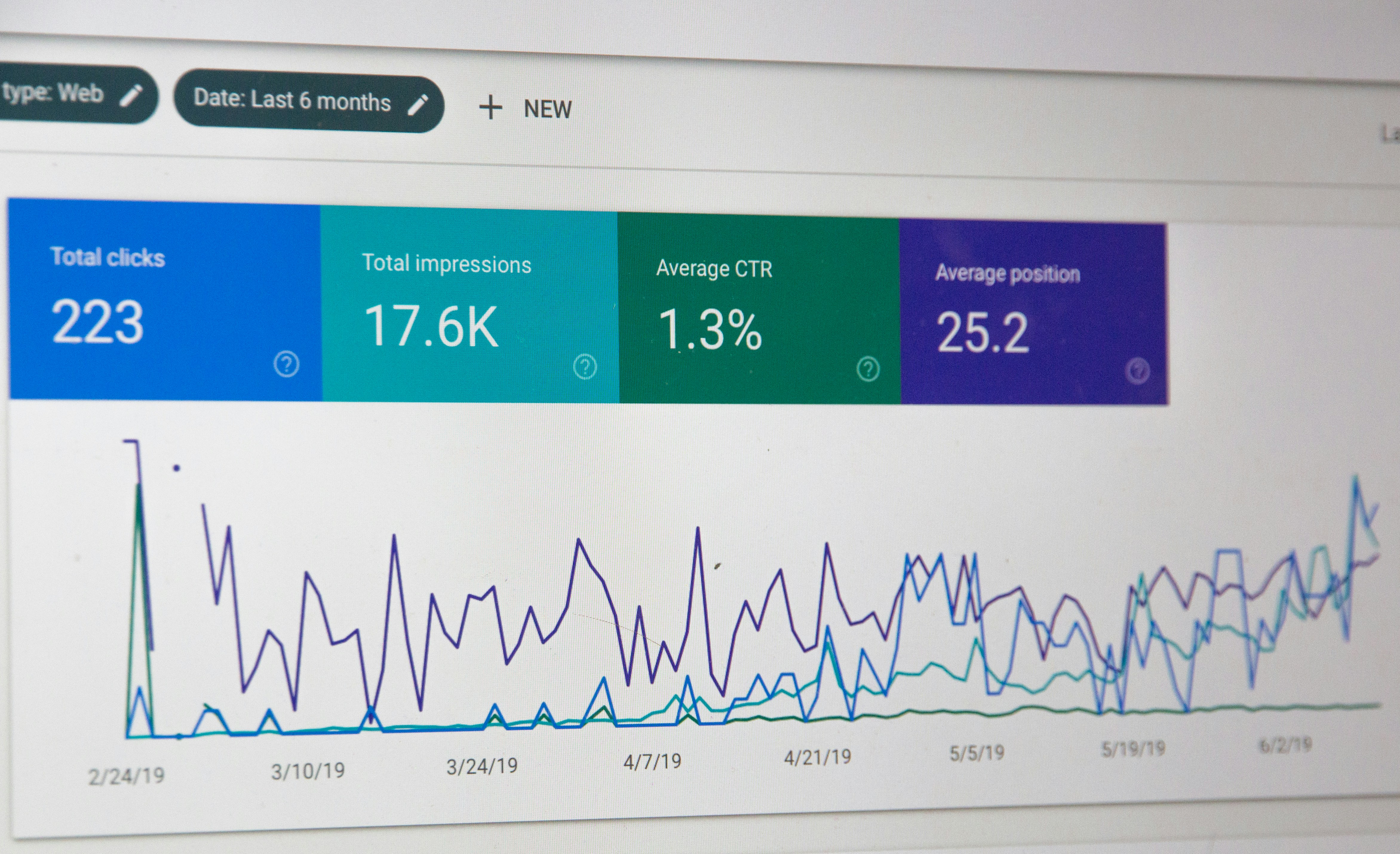
Search Engine Optimisation (SEO) is how your website shows up when potential clients Google services you offer. Done right, it’s the most cost-effective client acquisition channel that exists.
Here’s the basics every small business website needs:
On-Page SEO:
- Every page needs a unique title tag (under 60 characters) with your main keyword
- Every page needs a meta description (under 155 characters) that makes people want to click
- Use H1, H2, H3 headings — don’t write walls of text
- Add alt text to every image (describe what’s in it + relevant keyword)
Local SEO:
- Create a free Google Business Profile at business.google.com
- Add your city name naturally into your homepage headline, about page, and service pages
- Get your business listed on local directories: Yelp, Clutch.co, DesignRush
Content SEO:
- Publish one blog post per week targeting questions your clients type into Google
- Example topics: “how much does a logo cost,” “do I need a website for my restaurant,” “best web designer for small business”
- Each blog post is a new page Google can rank for a different keyword
4. A Portfolio That Proves You Can Deliver
Visitors come to your website with one question they don’t say out loud: “Can I trust this person to do the job?”
Your portfolio answers that question better than any headline or testimonial can.
If you’re just starting out and don’t have real client work yet, here’s how to build a portfolio anyway:
- Redesign a real local business — pick a restaurant, salon, or shop near you with a bad website and redesign it as a concept project. Be transparent that it’s a concept.
- Build your own site to a high standard — your own website IS your portfolio. If it looks great, clients assume you’ll make theirs look great too.
- Document the process — show wireframes, color palettes, and before/after screenshots. Process shots are more compelling than final results alone.
- Add context to each project — don’t just show screenshots. Explain the problem, your approach, and the outcome.
Even 2–3 strong portfolio pieces outperform 10 mediocre ones.
5. A Call to Action on Every Single Page
Every page on your website should have one clear next step for the visitor. This is called a Call to Action (CTA), and most small business websites either don’t have one or bury it at the very bottom of the page.
Your CTA should be:
- Visible — above the fold on the homepage, and at the end of every section
- Specific — “Get a Free Quote” converts better than “Contact Us”
- Low friction — don’t ask for 10 pieces of information upfront. Ask for name, email, and what they need.
The best CTAs reduce the perceived risk of reaching out. Phrases like “free consultation,” “no obligation quote,” or “reply within 24 hours” make it easier for hesitant visitors to take action.
6. Speed + Mobile = Non-Negotiable in 2026
Two things Google uses to rank your site above competitors: how fast it loads and how well it works on mobile.
Over 60% of all web searches now happen on a phone. If your website is hard to use on a 6-inch screen, you’re invisible to the majority of your potential clients.
Quick wins for speed and mobile:
- Compress every image before uploading (use TinyPNG.com — free)
- Use a fast, lightweight WordPress theme (avoid heavy page builders)
- Enable caching with a free plugin like W3 Total Cache
- Test your site monthly at PageSpeed Insights (pagespeed.web.dev)
For mobile:
- Make sure buttons are at least 44px tall (easy to tap with a thumb)
- Use a font size of at least 16px for body text on mobile
- Test on both Android and iPhone — they render differently
7. Your Website Is Never “Done”
The biggest mistake small business owners make after launching a website: treating it like a finished product.
Your website is a living marketing asset. The businesses that grow consistently online treat their websites like a garden — they prune, update, and add to it regularly.
What to update and when:
- Monthly: Check for broken links, test contact forms, update any outdated info
- Quarterly: Add new portfolio pieces, refresh testimonials, review your pricing
- Ongoing: Publish new blog posts, update SEO metadata based on what’s working
Google rewards websites that stay active. A site that hasn’t been updated in 6 months slowly loses ranking to competitors who are publishing regularly.
Ready to Build a Website That Actually Works?
If you’ve read this far, you already understand something most of your competitors don’t: a great website isn’t an expense — it’s the highest-ROI investment your business can make.
At Stark Developer, we build websites for small businesses that are designed from day one to attract clients, build trust, and convert visitors into revenue.
Here’s what working with us looks like:
✅ Custom design — no templates, no recycled layouts ✅ SEO setup from day one ✅ Mobile-optimized and fast-loading ✅ Contact forms and lead capture built in ✅ 30 days of support after launch
No commitment. Just an honest conversation about your project.